

Creating the account
A client account is created while you submit your project: there is no separate sign-up to complete beforehand. The form asks for your details last, once the project has been described, and you are signed in straight away.
A professional signs up from the area meant for them, and fills in the details of their practice or company.
Forgotten password
From the sign-in page, the reset function emails you a link. That link is valid for a limited time: if it has expired, simply request another.
Your data
The information you enter is used to scope your project and to present it to the professionals we invite. A professional with no connection to your project has no access to it.
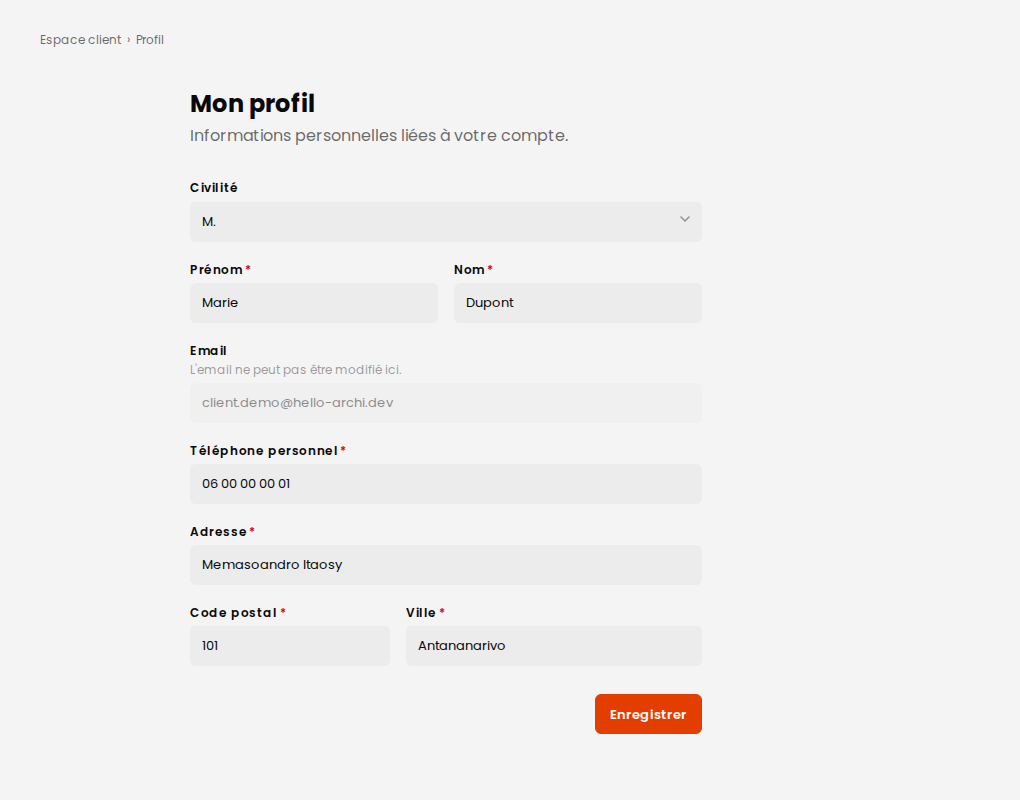
You can review and correct your information at any time from your account area.