

This guide follows a build from beginning to end. The screenshots come from a demonstration account: the amounts shown are those of this example, not a price list.
1. Your area
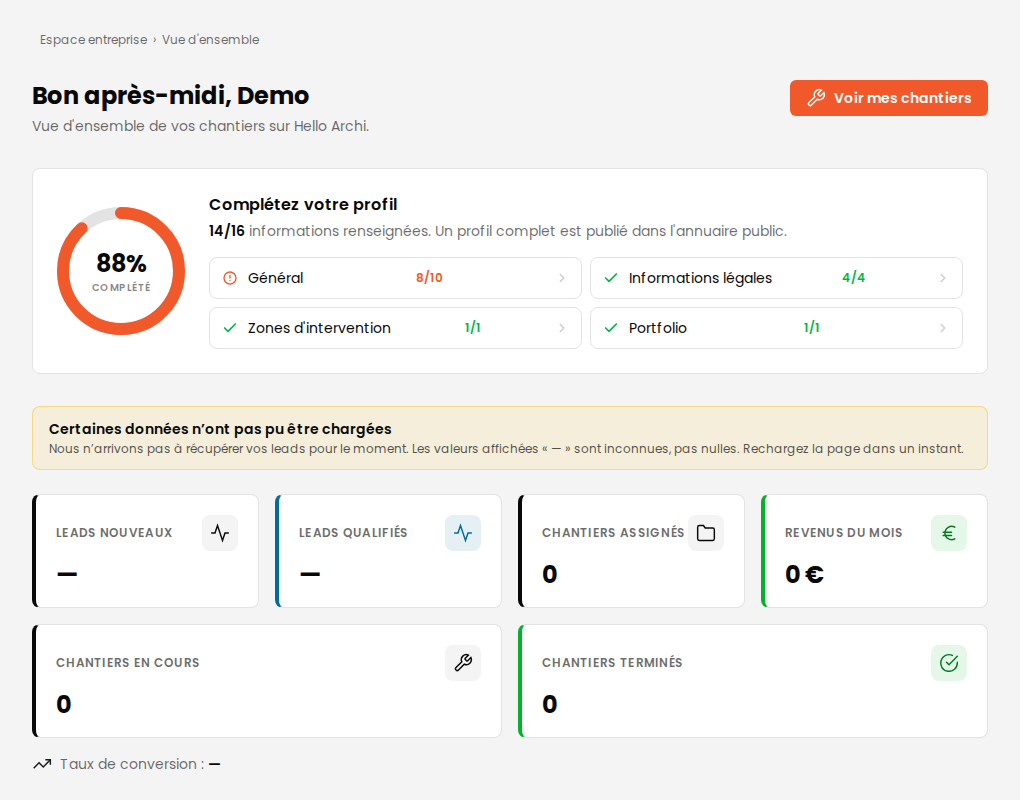
Your dashboard brings together your builds, your open consultations and your latest contacts.
2. Receiving a building consultation
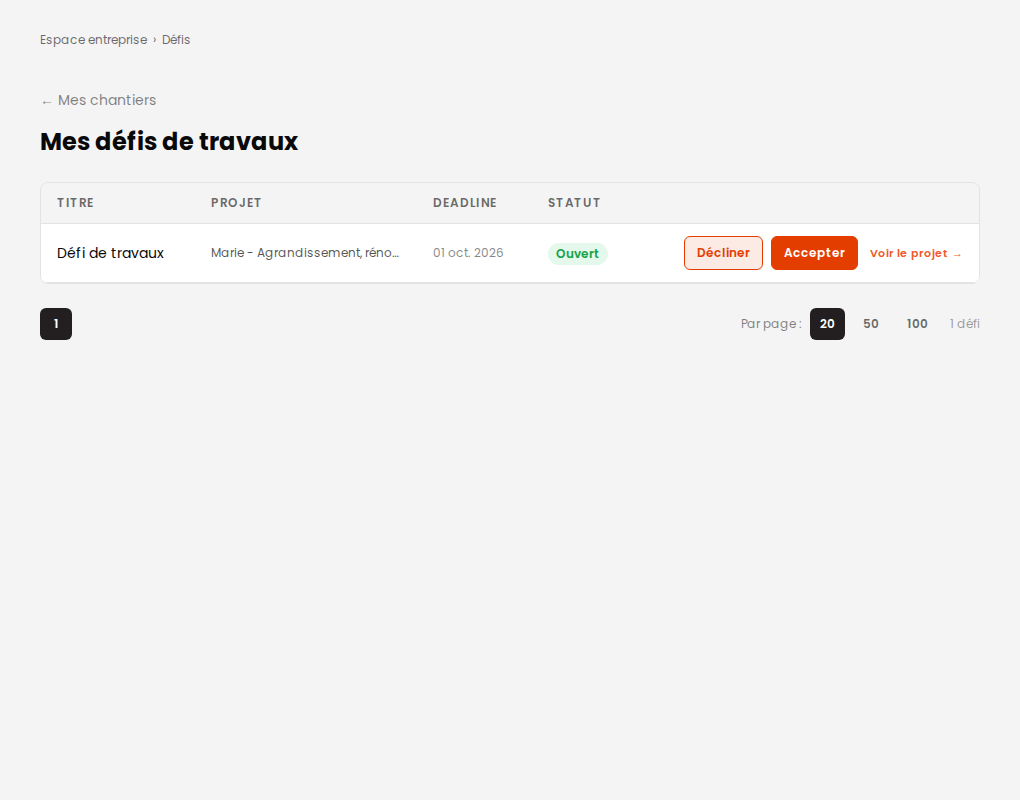
Building consultations are opened after an architect has been chosen for the project: you are therefore costing a design that has been settled, not an intention.
3. Costing and sending
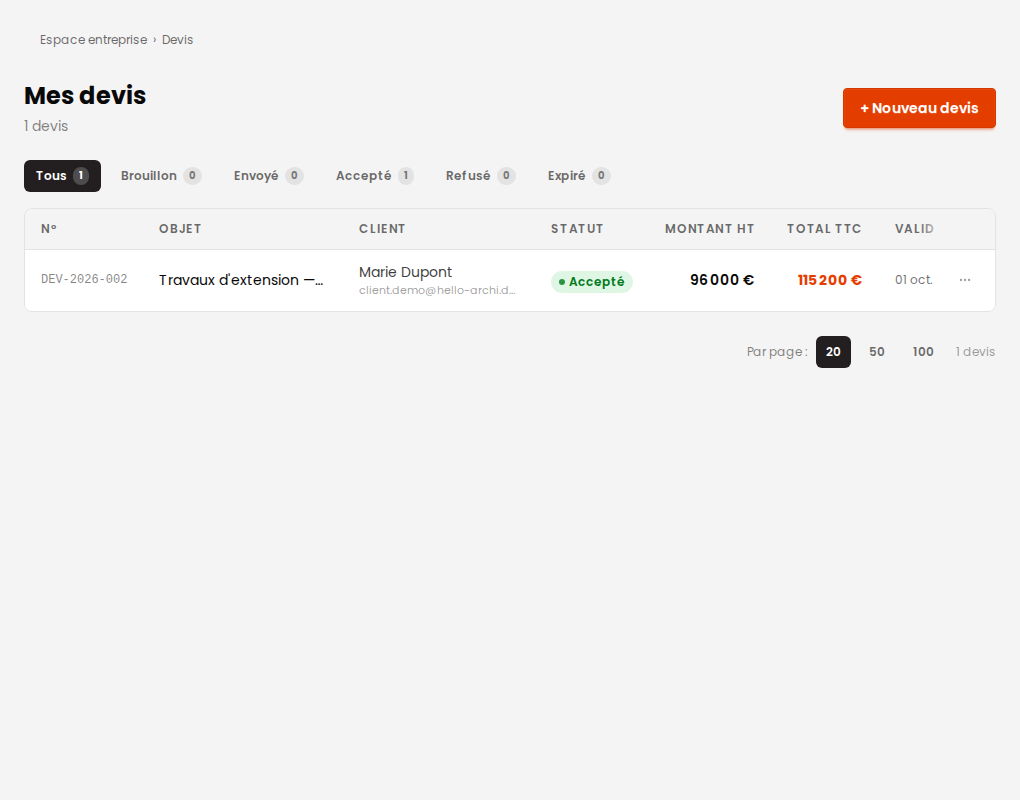
You put your quote together trade by trade — structure, roof frame, joinery — with the detail of each item. The client signs it electronically, which assigns you the build and moves the project into preparation.
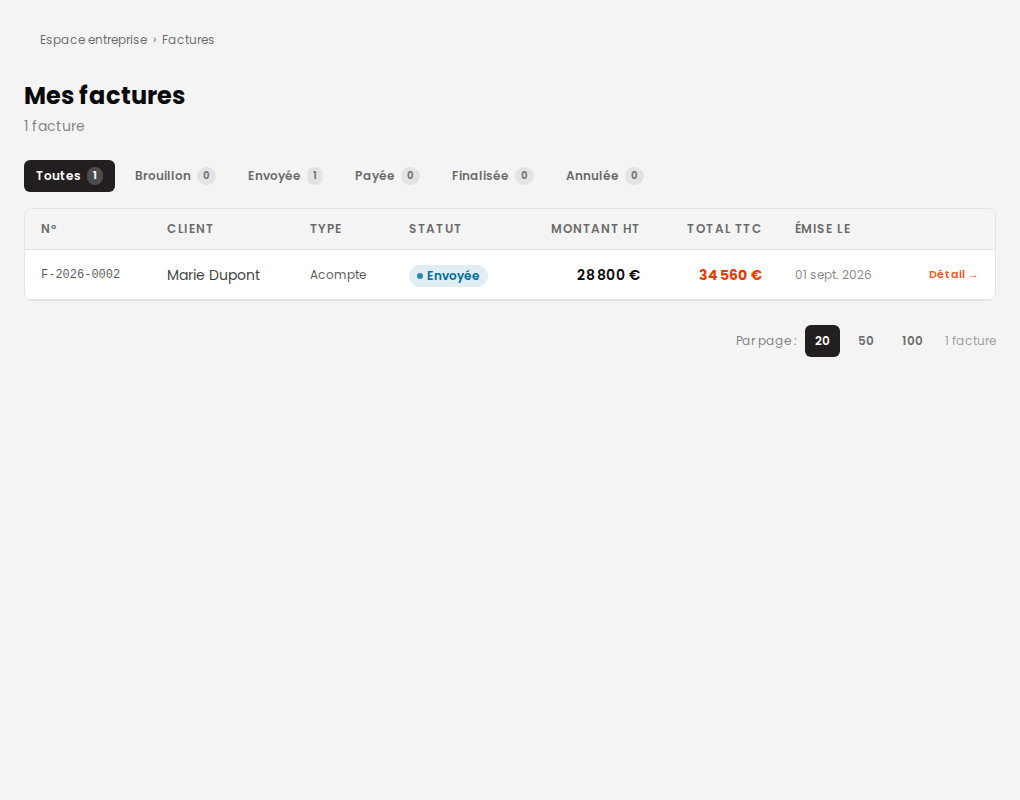
4. Invoicing
As for an architect, you are the one who chooses how payment is split once the quote is signed.
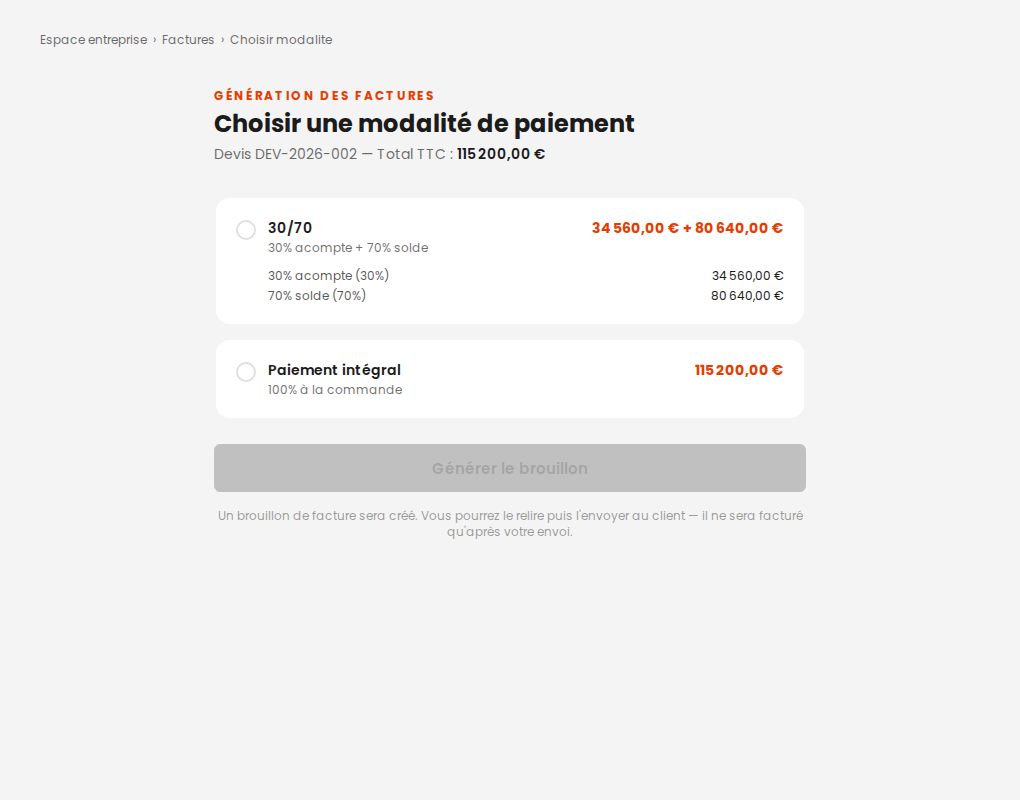
Each invoice starts as a draft you can read over, and becomes a final document once sent.
5. Getting paid and withdrawing
The client's payment arrives in your wallet, from where you request a transfer to your bank account. It works exactly as described for architects: same screens, same rules.